 Kodel
Kodel One window for every repo and the agent working in it.
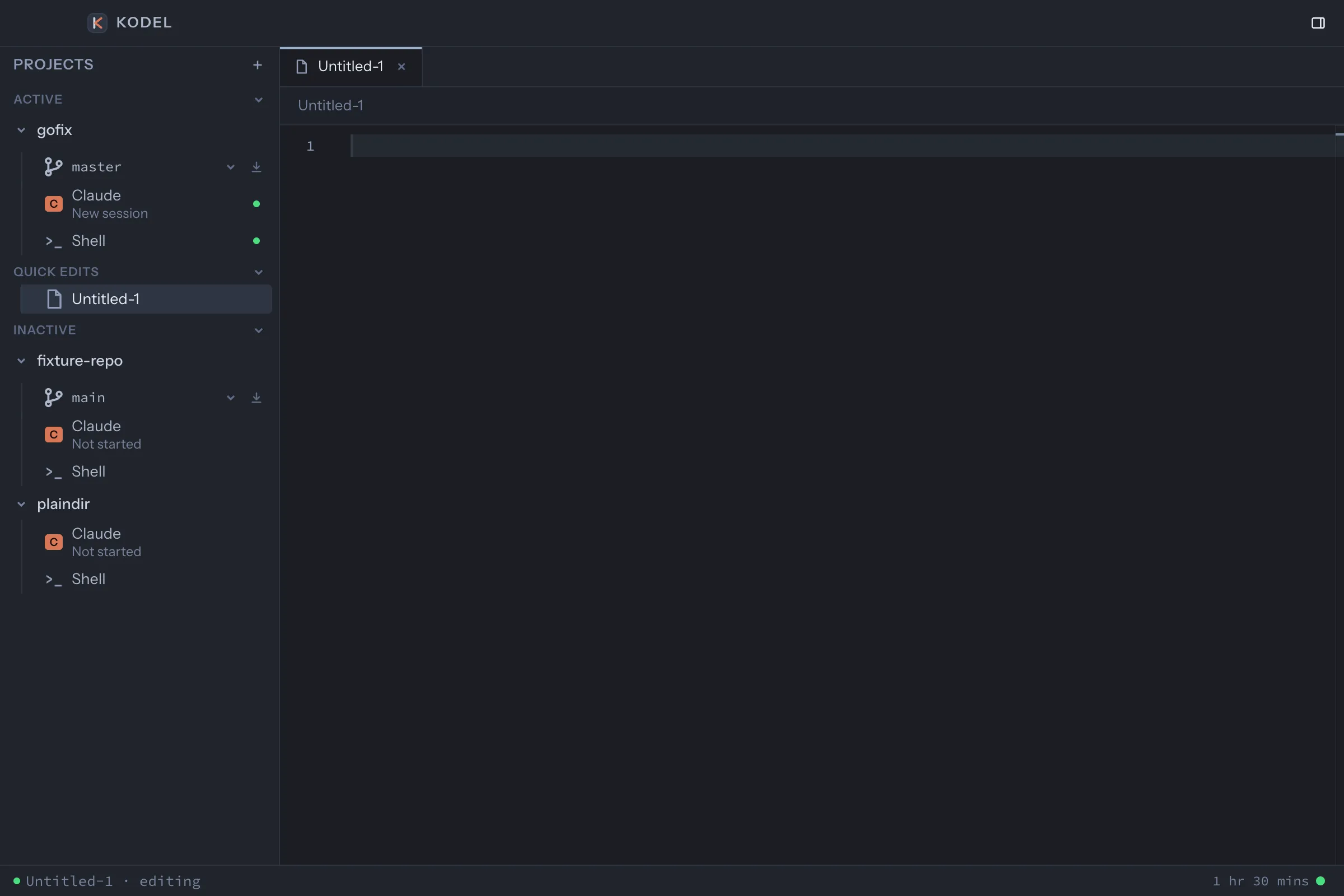
Kodel is a macOS app for developers who juggle many projects and AI coding agents. Each project carries its own Claude Code or Codex session, a shell and an editor, all in one sidebar instead of a separate IDE window per project.
Direct several agents at once
Every repo you work in lives in one sidebar with its own Claude Code or Codex session, shell and files. Two taps of Shift switch projects, so you can start a task in one while another agent finishes.
Keep the work and the file in view
Any file or shell can sit beside or under the main pane. Review every change hunk by hunk, revert what you disagree with and commit only what you checked.
Check what the agent claims
Go to definition and find usages work across the whole project through a local index, so "I updated every caller" is a click to verify rather than a thing to trust.
Your tools, your accounts
Kodel drives the Claude Code and Codex command line tools you already have installed and signed in. It never sees your keys, and nothing starts until you open it.